Use ChatGPT or Claude for recruiting: search 250,000+ vetted candidates, benchmark salaries and request intros from the chat you already use.
Most founders already spend their day in ChatGPT or Claude. They draft the job description there, prep interviews there, and think out loud about the role there. Then they open six other tabs to actually find someone.
Today we're launching the Clera MCP. It connects ChatGPT, Claude and other AI assistants to Clera, so you can search more than 250,000 vetted candidates, benchmark a salary and request intros without leaving the chat you already have open.
What is the Clera MCP?
MCP (Model Context Protocol) is the open standard AI assistants use to call outside tools. Clera runs an MCP server, so one connection gives your assistant access to Clera's candidate network and hiring tools. You ask in plain English. Your assistant calls Clera. The answer comes back in the same chat.
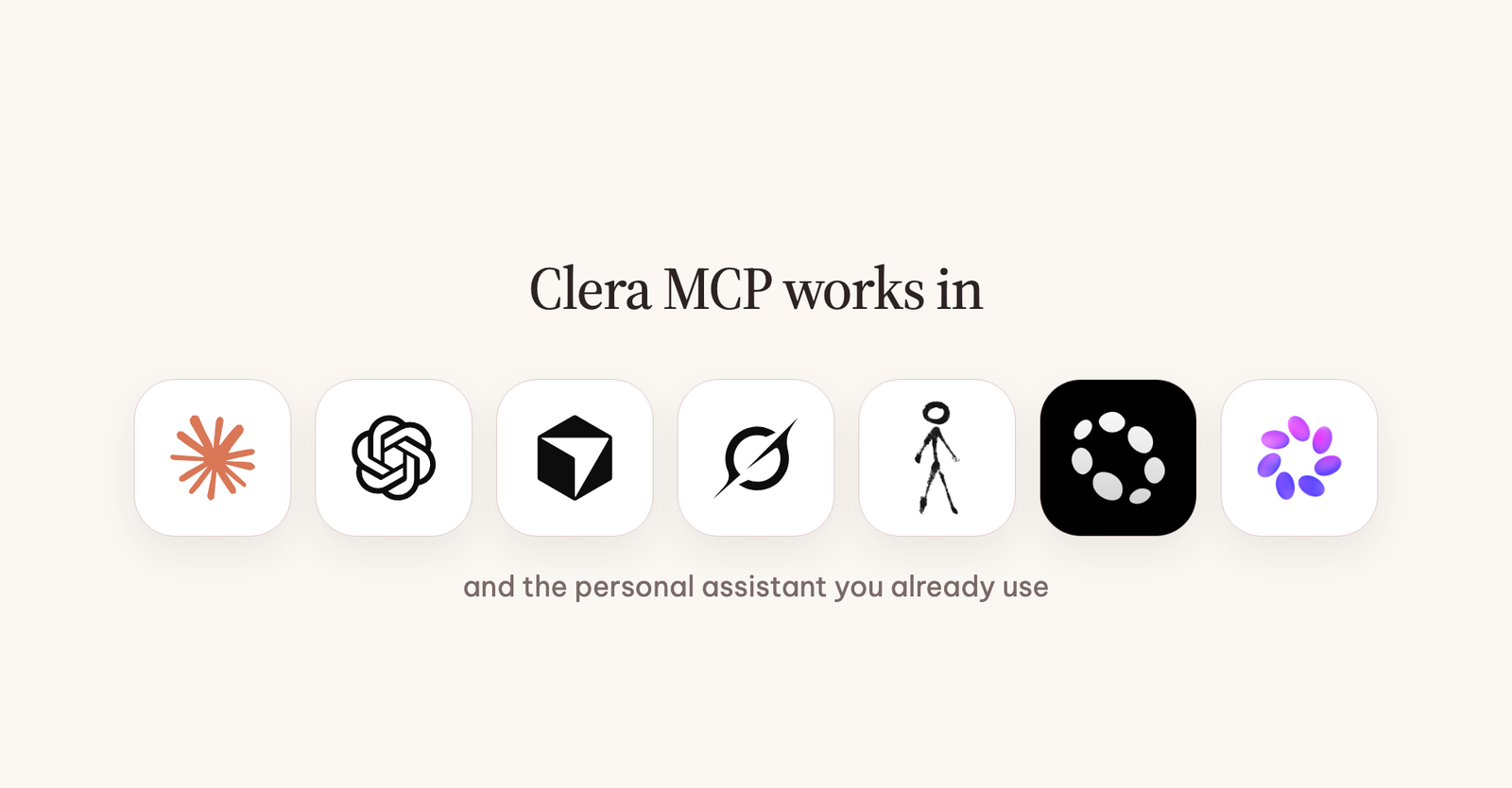
It works in Claude (web, desktop and Claude Code), ChatGPT, Codex, Cursor, Grok and personal assistants like Instinct, Pally and Muse. If a client can add a remote MCP server by URL, Clera works in it.
How to use ChatGPT or Claude for recruiting
Ask it the way you'd ask a recruiter. Here's what that looks like in practice.
1. Find people who want the move
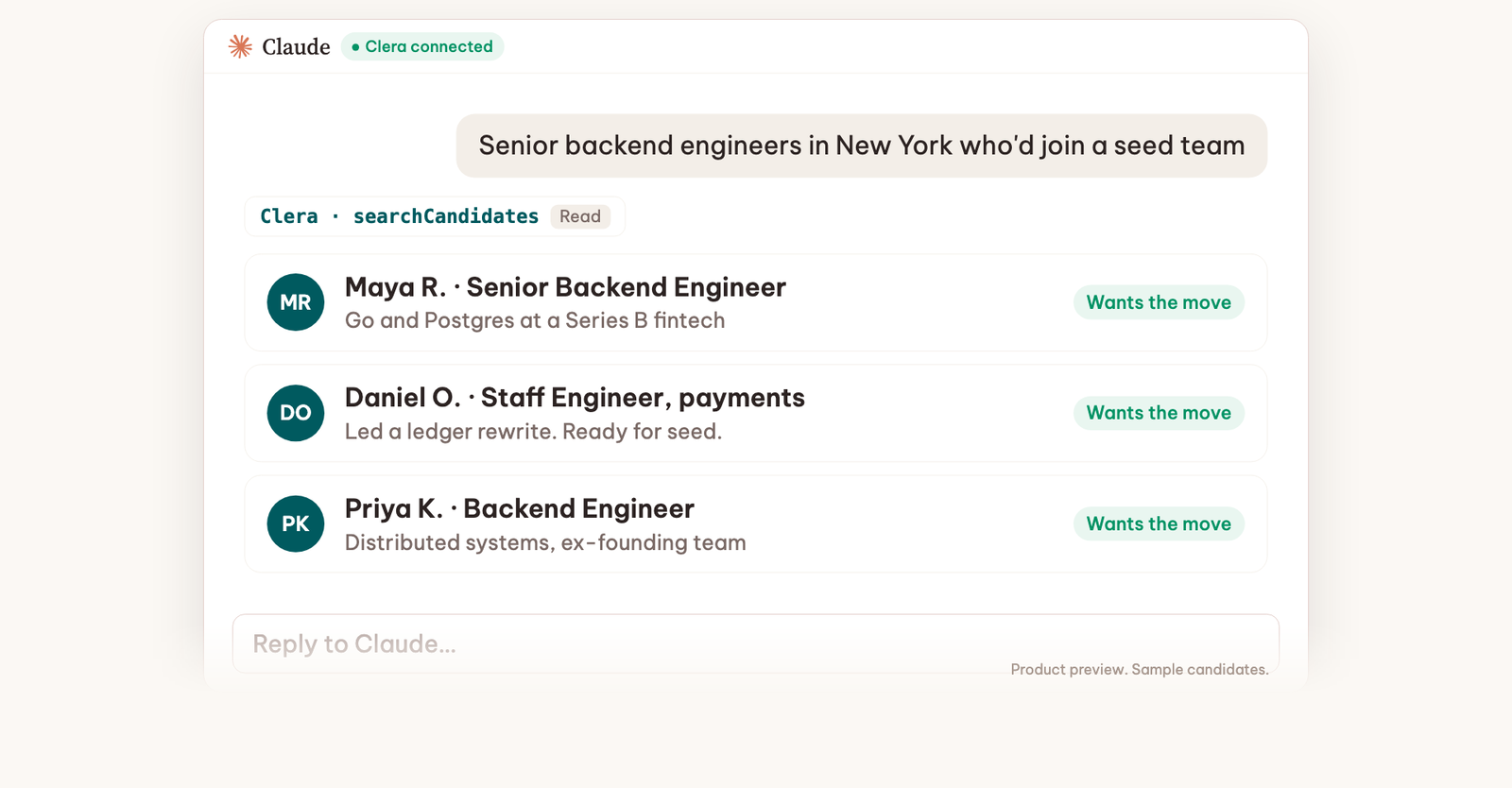
"Senior backend engineers in New York who'd join a seed team."
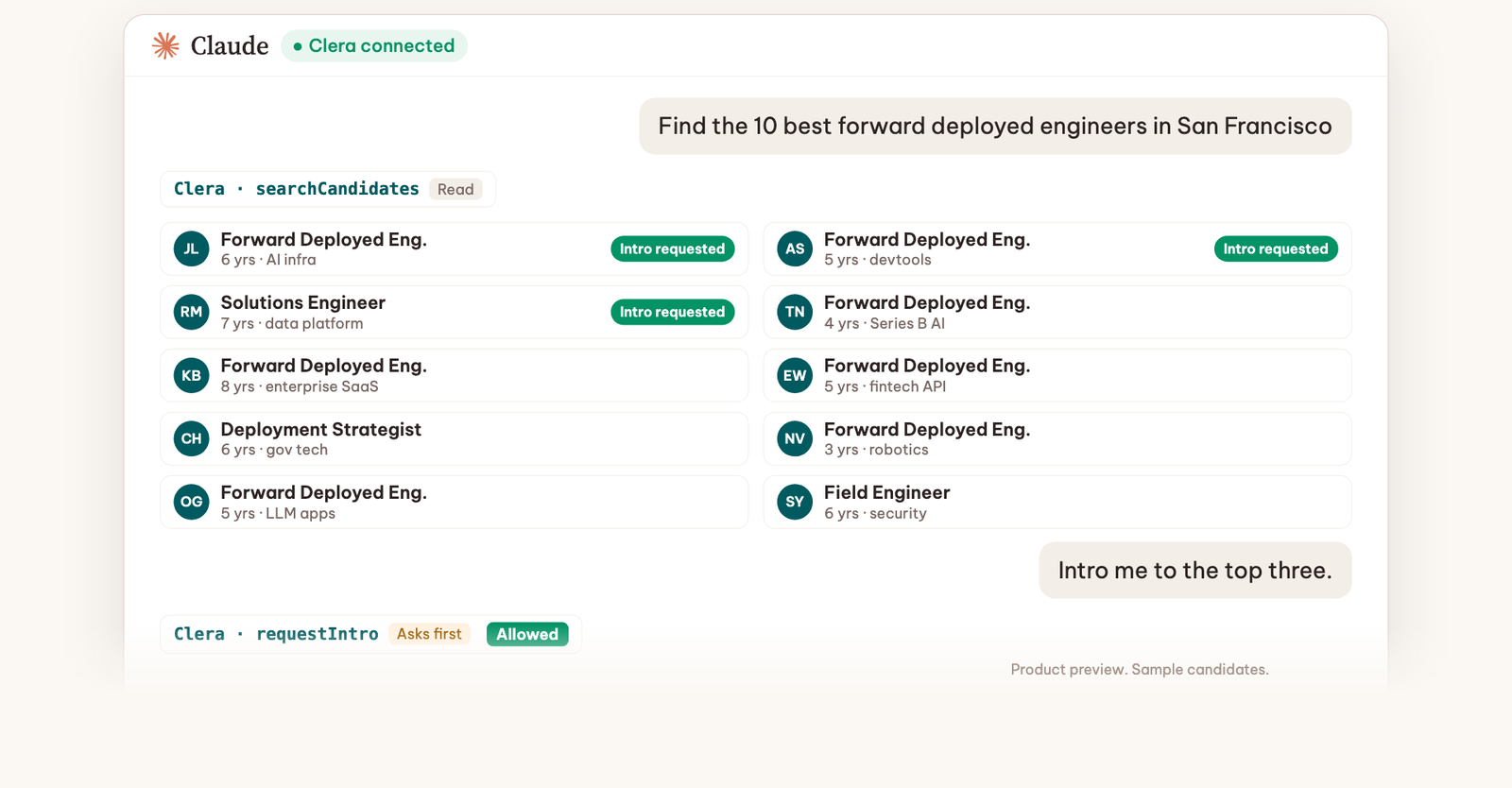
Your assistant searches Clera's network and comes back with a shortlist, each person with a reason they fit. Profiles stay anonymous until you ask for an intro.
2. Use the context your assistant already has
Your assistant already knows a lot about the role: the job description you pasted in last week, how your team works, what went wrong with the last hire. Connected to Clera, it can put that context to work. Ask it to write the spec and then search against it, or to compare the top five side by side.
3. Price the role before you post it
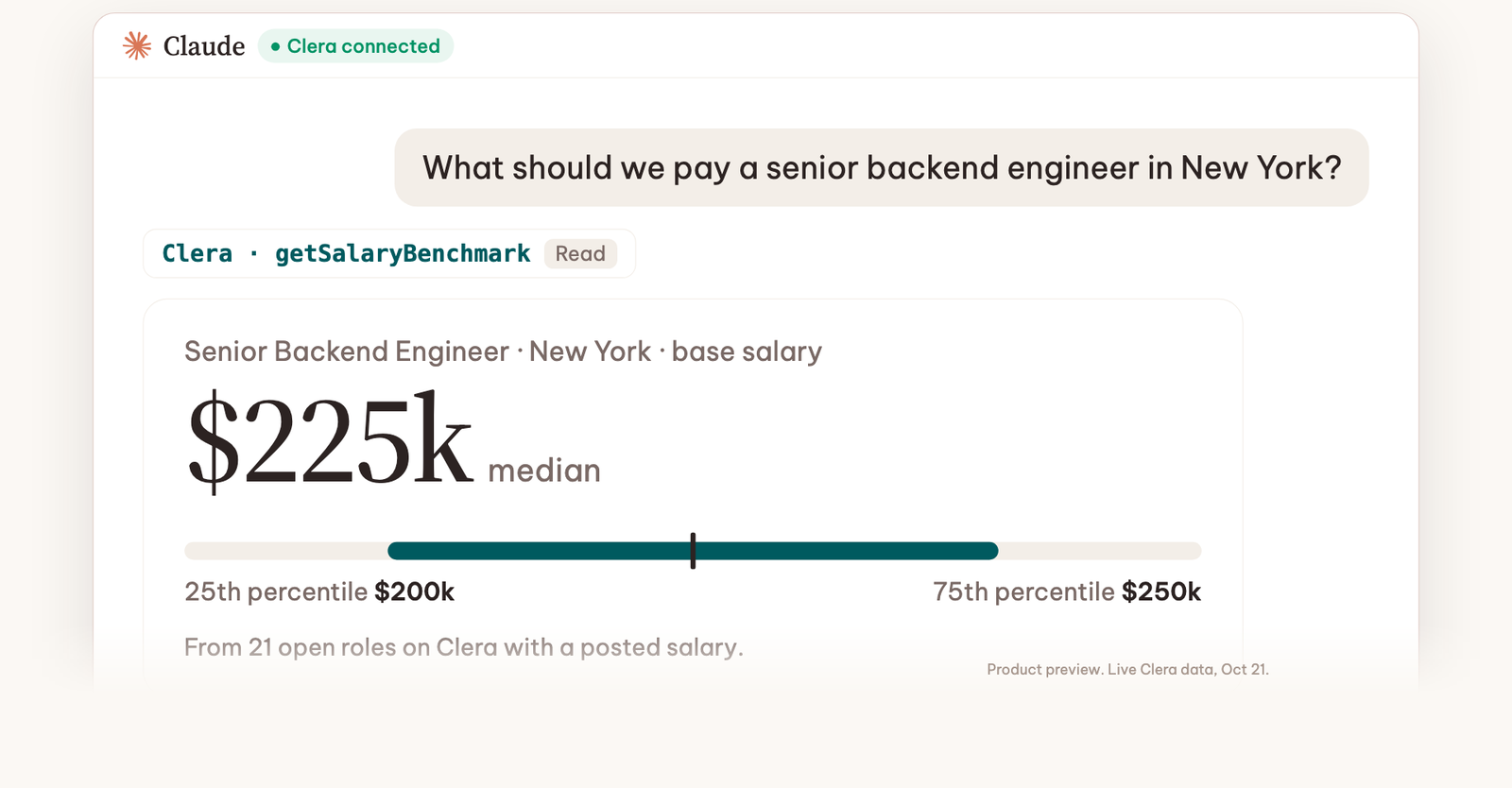
"What should we pay a senior backend engineer in New York?"
When we asked that on October 21, Clera answered from 21 open roles on Clera with a posted salary: a median base of $225k, with the middle half between $200k and $250k.
4. Check an applicant before the first call
"Is this applicant real?"
The same Fake Candidate Detection that runs in the Clera dashboard runs in your chat. It checks an email, phone number or LinkedIn profile against every fake Clera has caught, more than 700 so far. More on how we spot fake applicants.
5. Ask for intros
"Intro me to the top three."
Your assistant asks you before it sends anything. Then Clera messages the candidate, asks if they want to talk, and reports back in your chat. You only hear from people who said yes. Nobody gets a cold message from you.
What Clera sees from your chat
Only the tool calls. If your assistant searches for backend engineers in New York, Clera receives that search. If you request an intro, Clera receives a candidate id and a role id. The rest of your conversation stays between you and your assistant.
Three more rules:
- Reads run right away, writes ask first. Searching runs straight away. Intros, passes and job edits wait for your Allow.
- Anonymous until the intro. Names and contact details stay hidden until you ask to meet someone.
- Revoke anytime. Remove the connector in your assistant and Clera's access is gone.
How to set it up
Pick the assistant you already use.
- Claude: add Clera as a custom connector, then sign in with your Clera company account.
- ChatGPT: turn on developer mode, paste the server URL and sign in.
- Cursor, Codex or any other MCP client: add
https://mcp.getclera.comas a remote server.
Or let your assistant do it. Paste this into Claude, ChatGPT, Cursor or Codex: "Set up Clera for hiring: www.getclera.com/SKILL.md". It picks the right install path for the client it's running in and walks you through your first search.
Step-by-step guides for each client are on the Clera MCP page. Not sure which assistant to use? We compared six of them for hiring.
Frequently Asked Questions
Yes. On its own, ChatGPT can write job descriptions and interview questions, but it can only find candidates on the open web. Connected to Clera, it searches more than 250,000 vetted candidates who are open to a move and can request intros for you.
The one you already use. Claude is strong at job specs and side-by-side comparisons, ChatGPT works well if your team already lives in ChatGPT projects, and Instinct or Pally let you hire by text between meetings. They all search the same Clera network.
No. It's the same candidates and roles, reachable from a chat. Everything you do through your assistant shows up in your dashboard, and the other way around.
Searching and shortlisting are free. You pay 15% of first-year base salary only when you hire someone Clera introduced.
Ask for your first shortlist
Connect your assistant and ask for the role you're hiring for right now.